
 AI Document Summary
Our philosophy behind SnowCloud is simplicity. As such, the minimum requirements are as simple as any modern iPhone.
Additionally, SnowCloud can be enhanced through the use of UHF peripheral devices for access control, and credit card readers for payment processing.
Mobile Devices #
SnowCloud is designed to be able to function completely of iPhones, no extra peripherals needed. From sales to access validation and rentals, all functions are available within an iPhone.
While SnowCloud can function on older iPhone models, we recommend using newer models to ensure the best performance, features, and security enhancements.
For detailed requirements and recommendations, please see the Operator App Device Requirements page.
iPads for KDS Displays #
While SnowCloud POS is iPhone-only, iPads can be used as dedicated Kitchen Display System (KDS) displays. The larger screen size makes iPads well-suited for an always-on kitchen display showing incoming orders.
Peripherals/External Devices #
UHF Devices #
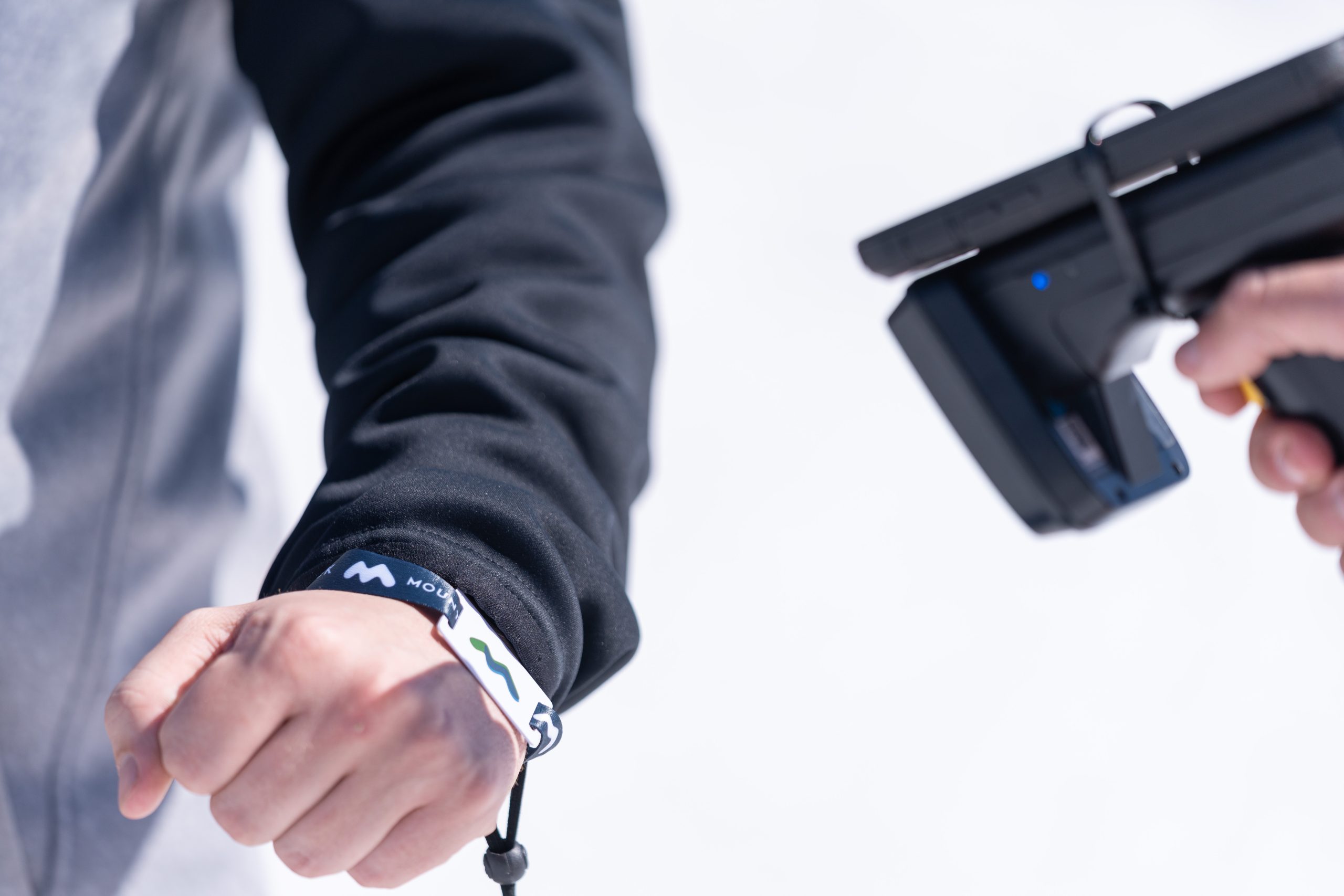
SnowCloud’s access validation abilities can be enhanced through the use of UHF peripheral devices. These devices allow passes to be scanned and validated through winter clothing, greatly improving scanning speed and guest comfort.
Devices that are set up with a UHF device will be unable to encode media.
SnowCloud currently supports these UHF devices:
Devices that are set up with a UHF device will be unable to encode media.
TSL also provides a number of different useful accessories, such as:
To connect and set up a UHF device with a phone, please refer to the UHF Setup guide for more information.
Credit Card Reader Devices #
SnowCloud does not require the use of an external credit card reader to capture on-site POS payments, provided that the device supports Tap-To-Pay.
Tap-To-Pay payments are not currently supported in markets outside of the United States. Clients outside of the United States may be required to use a credit card peripheral in order to capture payments on-site through the operator app.
Battery Backups #
On a typical capacity day, we find that a scan or encoding phone will typically drain from 100% to 15% in roughly five to six hours. In the case a device drains to low battery, there are two options we recommend:
- Keeping an extra device with full charge on standby.
- Using a power bank to charge the device. If you are using UHF devices, you may want a power bank with two outputs so that you can charge both the phone and UHF device at the same time.