SnowCloud Improvements
This release delivers significant new capabilities across Food & Beverage (F&B), Retail, Accounting, and the Online Shop, alongside dozens of reliability and usability improvements throughout the platform.
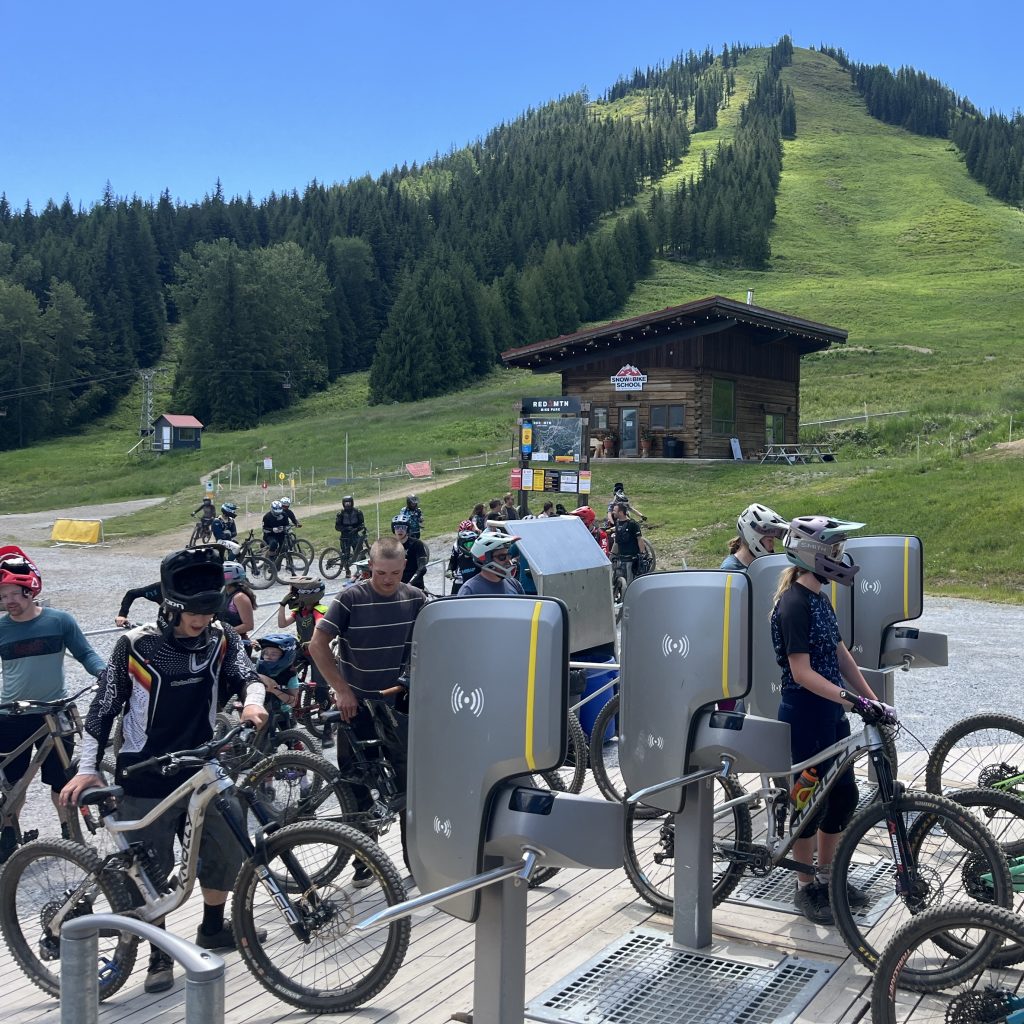
SnowCloud Operator App & POS
New Features
- Concierge Manual Card Entry: Guest services can now manually enter card numbers over the phone to complete concierge reservations, with full support for declined and fraud-blocked card handling.
- Operator App Manual Card Entry: POS operators can manually key in card details when a physical card is unavailable.
- Timeslot Support for Concierge: Concierge reservations now support timeslot selection, allowing staff to book guests into specific time windows.
Improvements
- F&B modifier sets display order is now configurable when building orders.
- The “Fire” option is now available on F&B cart line items across all shop configurations.
- On Table Tabs, servers can now edit or add guest assignments even after items have been fired to the KDS.
- The “Add to Cart” button on F&B modifier item summaries is now disabled until all required modifier selections are made, preventing incomplete orders.
- F&B Cart reservation time dropdown and checkout button display have been refined for greater clarity.
- Searching recent sales on the mobile app is now case-insensitive.
- Creating a new guest in the Operator App auto-assigns them to the Purchaser field on the current transaction.
Reliability & Quality Improvements
- Newly created guests are automatically attached to the new Tab after creation.
- Retail POS sub-total no longer resets to zero after assigning a guest the middle of a transaction.
- Tables now available in all F&B shops on the Operator App.
- Better handling of nightly reporting and payout processing.
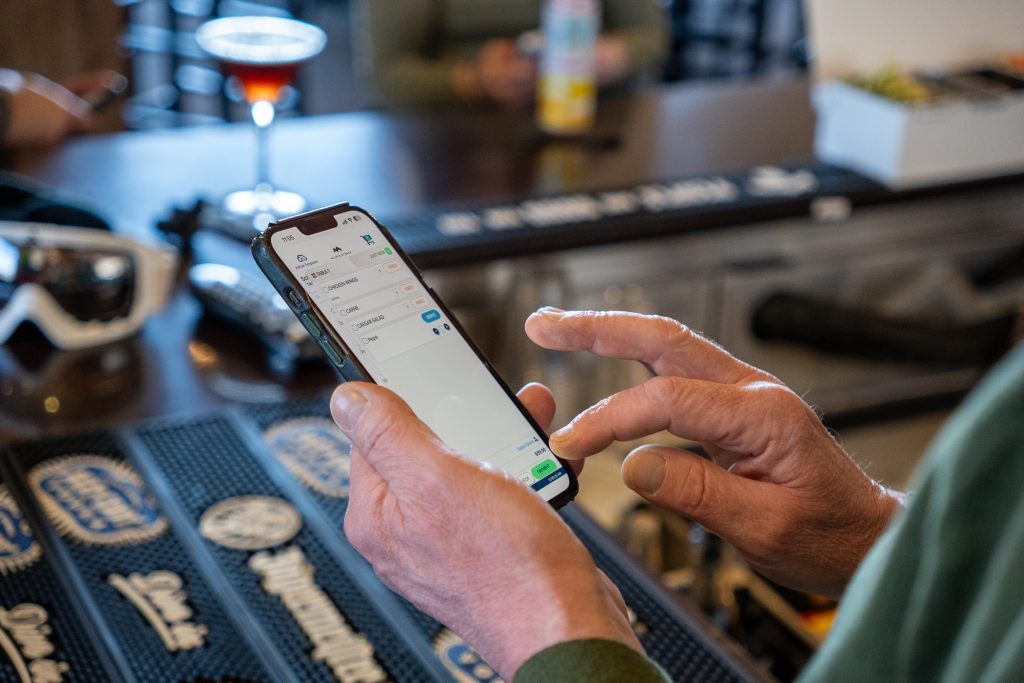
SnowCloud Shop
We are doing a comprehensive redesign of the shop and many of the features mentioned below are part of this version. The new shop is being rolled out to our current clients.
New Features
- Product Display Page with Variants: The online shop now supports multi-variant product pages where shoppers select attributes (age, discipline, tier, etc.) to narrow to a specific product.
- Password Show/Hide: Login password fields now include a visibility toggle for easier entry.
Improvements
- The date selector component now renders as a grid calendar instead of an unformatted list.
- Coupon code errors now display inline without closing the coupon modal, allowing shoppers to retry immediately.
- Shopping cart items are now vertically aligned, automatically removing when quantity reaches zero.
- Pickup time picker now appears for food items added via the “Select Options” flow.
- Benefits/Perks lists can now be added to multiple products, displays consistently across products, and can be deleted from a product configuration.
Reliability & Quality Improvements
- Calendar pricing no longer changes the selected date when a shopper picks a different variation.
- On mobile, the cart no longer clears when navigating to checkout while signed out.
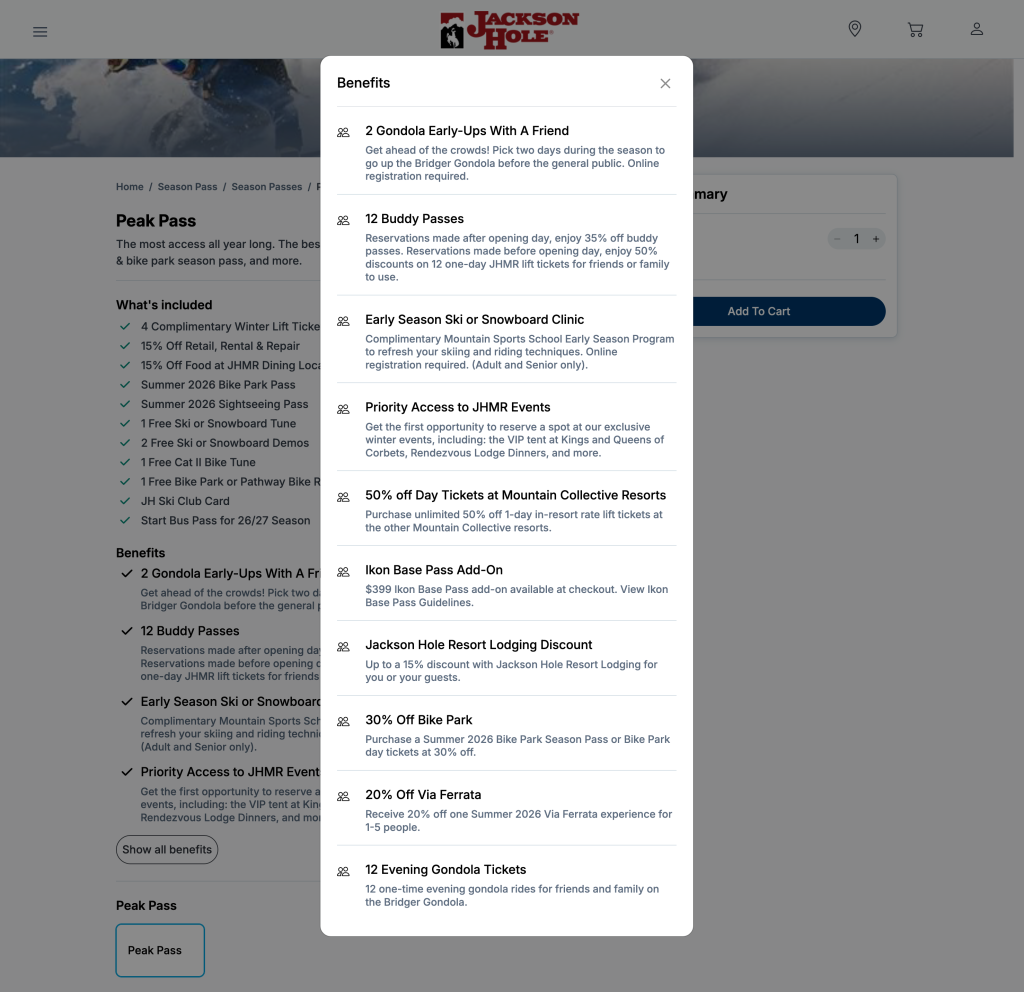
Food & Beverage / KDS
New Features
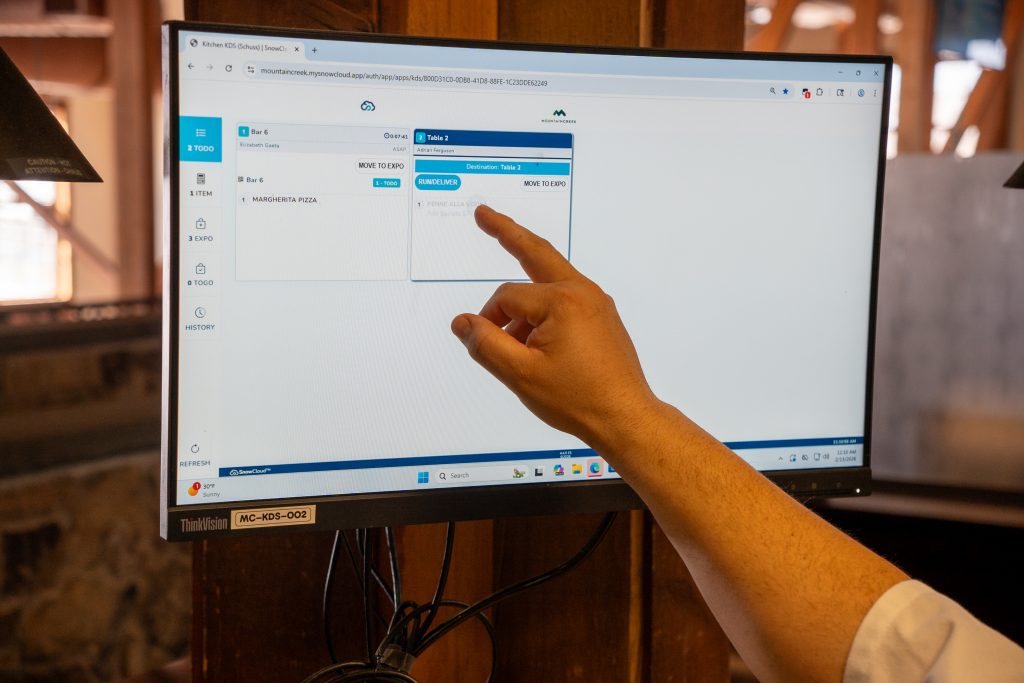
- Meal Coursing: Servers can now group menu items into numbered courses on a tab, fire courses individually to the kitchen, and manage the full dining pace. The KDS displays all courses with clear headers, highlights the active course with alerts when fired, and keeps the full meal visible for expo planning. Courses support Hold/Fired/Done status indicators.
- KDS Enhancements: Color-coded ticket headers indicate timing status (neutral, green for newly fired, yellow for approaching threshold, red for exceeding threshold). Supports 4-card and 8-card display views, sequential course firing and completion, and seat display with or without courses.
- KDS Expo Groups: Expo groups can now be deleted when no longer needed.
- Item Price Override by Location: F&B and Retail items can now have location-specific price overrides set from both POS Menu and Online Menu configurations, with the ability to clear overrides.
Improvements
- F&B Cart layout alignment for price/quantity selectors has been changed to be clearer.
- KDS iPad application loading performance improved for faster startup.
Reliability & Quality Improvements
- F&B Cart layout alignment for price/quantity selectors has been changed to be clearer.
- KDS iPad application loading performance improved for faster startup.
Retail
New Features
- Inventory Adjustment Tool: Operators can now increase or decrease inventory quantity on hand with a reason code and comment. Reason codes (Credit Memo, Damages, Warranties, etc.) are configurable, with associated expense GL accounts and inventory location selection.
- Purchase Order Season Code Filter: PO creation now supports filtering by Season Code.
- PO & Receiving Log Summaries: Posted POs and Partial Receiving Logs now display SUM totals for quantity and cost.
- Retail On Hand Report Parameters: New filter options for LOB, Group, Category, Vendor, Season Code, and Sale Date range.
- Retail Valuation Report “As of Date”: Excludes inventory transactions after the specified date for point-in-time valuation.
Improvements
- Purchase Order receiving workflow has been refined to include various edge cases.
- PO receiving label printing now works for orders with larger quantities.
Reliability & Quality Improvements
- Item creation on variants saves Size Group assignments.
- Partial receiving discounts now post to GL Events.
- Retail item parent/variant setup now saves LOB, Group, Category, and Size Group.
We’d love to show you the future of resort operations.
Accounting & Reports
New Features
- Revenue Definition by Location: Revenue accounts, categories, and posting rules can now be configured per location (booking location at time of sale), enabling more flexible P&L reporting across business units.
- Revenue Recognition: Even Daily Split: Products spanning a date range (e.g., season passes) now automatically recognize revenue evenly across each calendar day from start to end date, with properly deferred revenue handling.
- GL Detail Report: Row-level detail of the GL Journal now supports drill-through to individual transactions with Sale Location, Transaction ID, and source links.
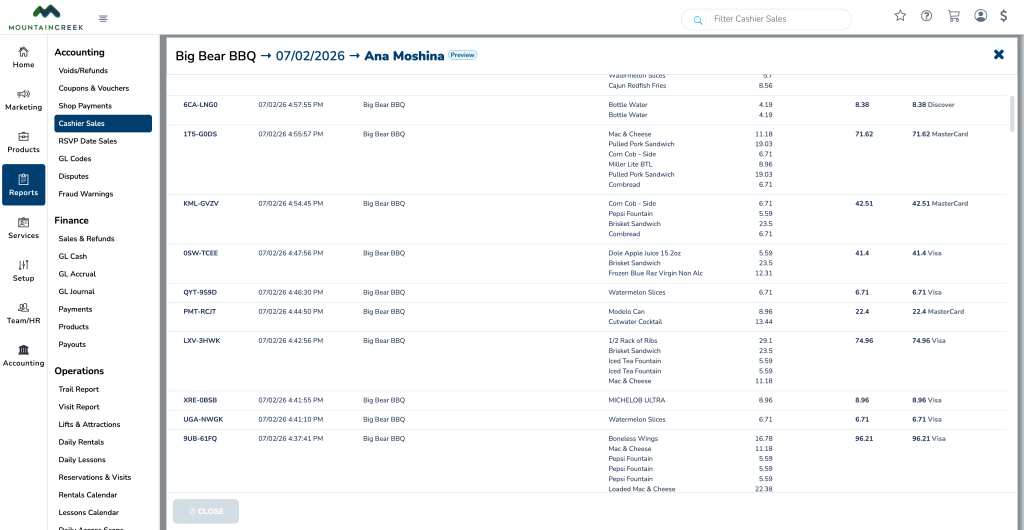
- Cashier Sales Report: Added payment type breakdown.
- Partial-Day Lift Ticket Reports: New reporting for partial-day lift ticket sales, such as a 4-hour ticket.
- Custom 6-Pack & 3-Pack Report: New custom reports for multi-pack product sales.
- Postal Codes / Coupon Reports: Monthly postal code and coupon usage reporting.
Improvements
- Discounts, coupons, and promotions can now be restricted by location, ensuring location-specific offers only apply where intended.
Reliability & Quality Improvements
- GL Journal tip refunds now route to the GL Override by Location.
- GL Journal now includes all GL events for returned sales.
- Refund receipts can now be sent from Admin Portal Sale Lookup even when no purchaser is attached.
New Integrations
SkiData Integration
- Gates: Full integration with SkiData access control gates is now live in production.