

SnowCloud v4.5 is our biggest release yet, with a redesigned point of sale, and operator app, expanded rental workflows, reimagined dashboard and new tools for Mountain Sports School. This release gives guest services, rental teams, instructors, and resort administrators more ways to manage the guest experience, alongside improvements to online checkout, reporting, and day-to-day reliability.
SnowCloud Portal
Portal updates bring a refreshed dashboard, clearer navigation, and new tools for maintaining guest records. Additional performance work improves the pages staff use to review guests, sales, and carts.
New Features
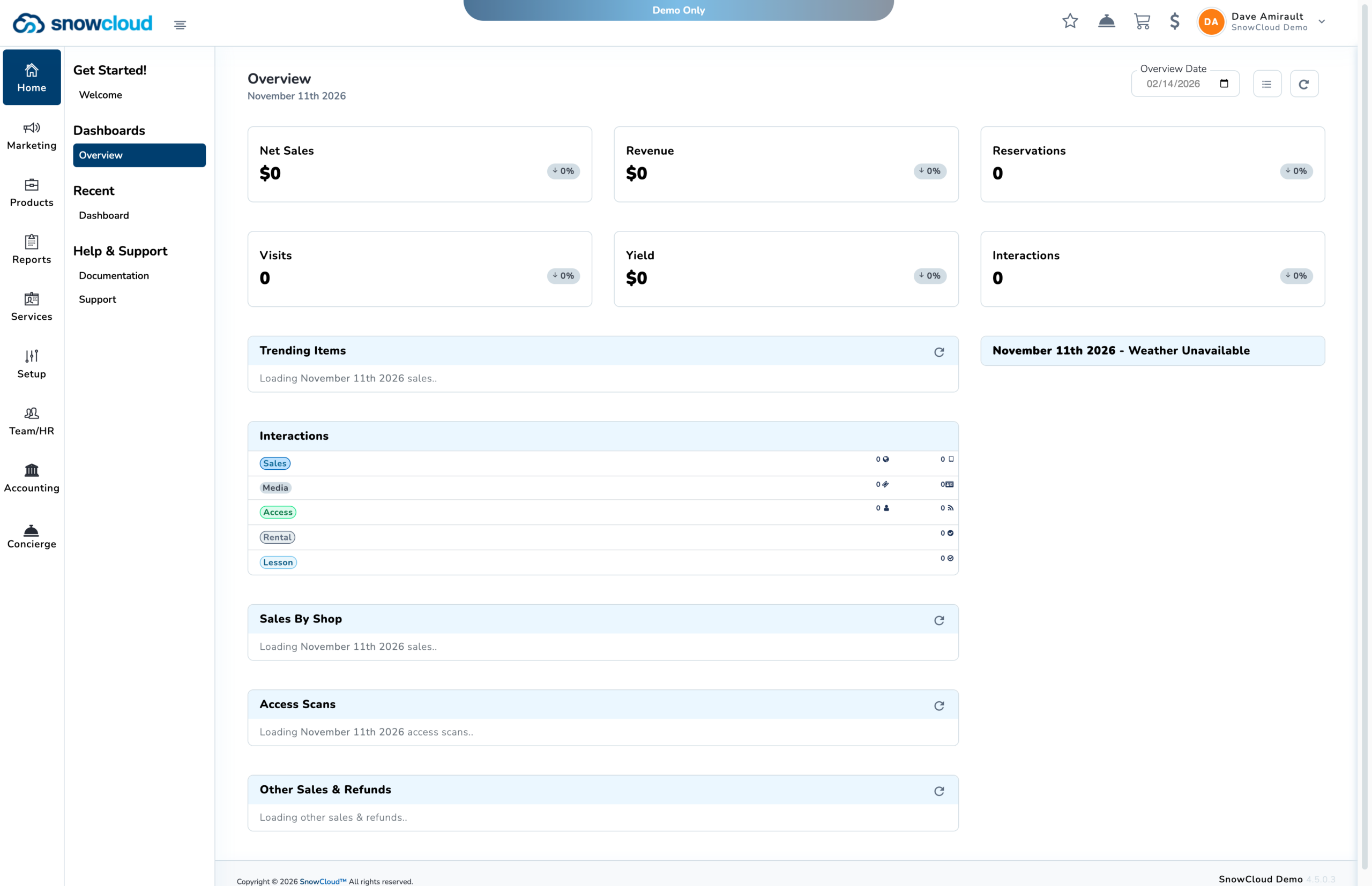
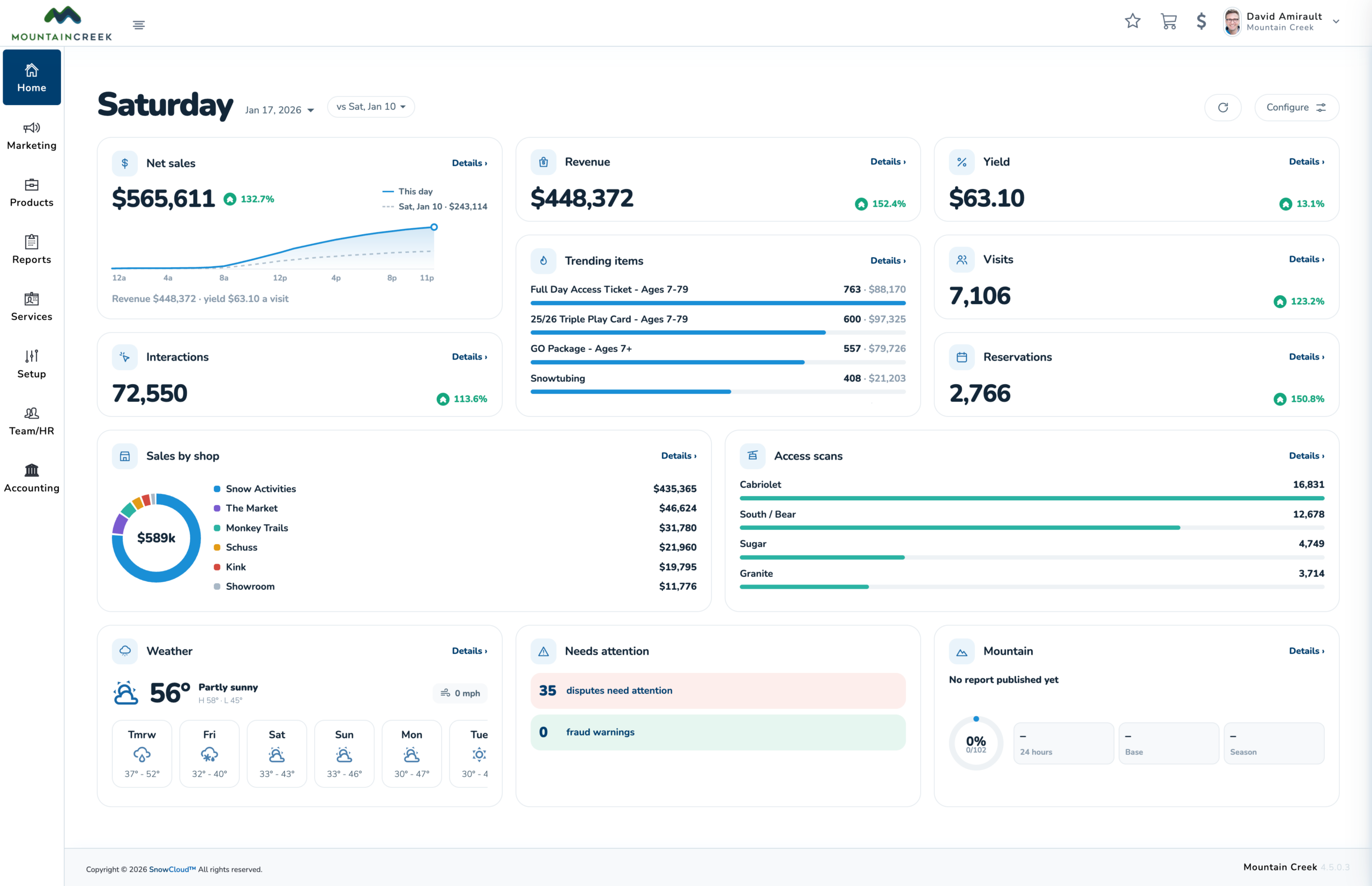
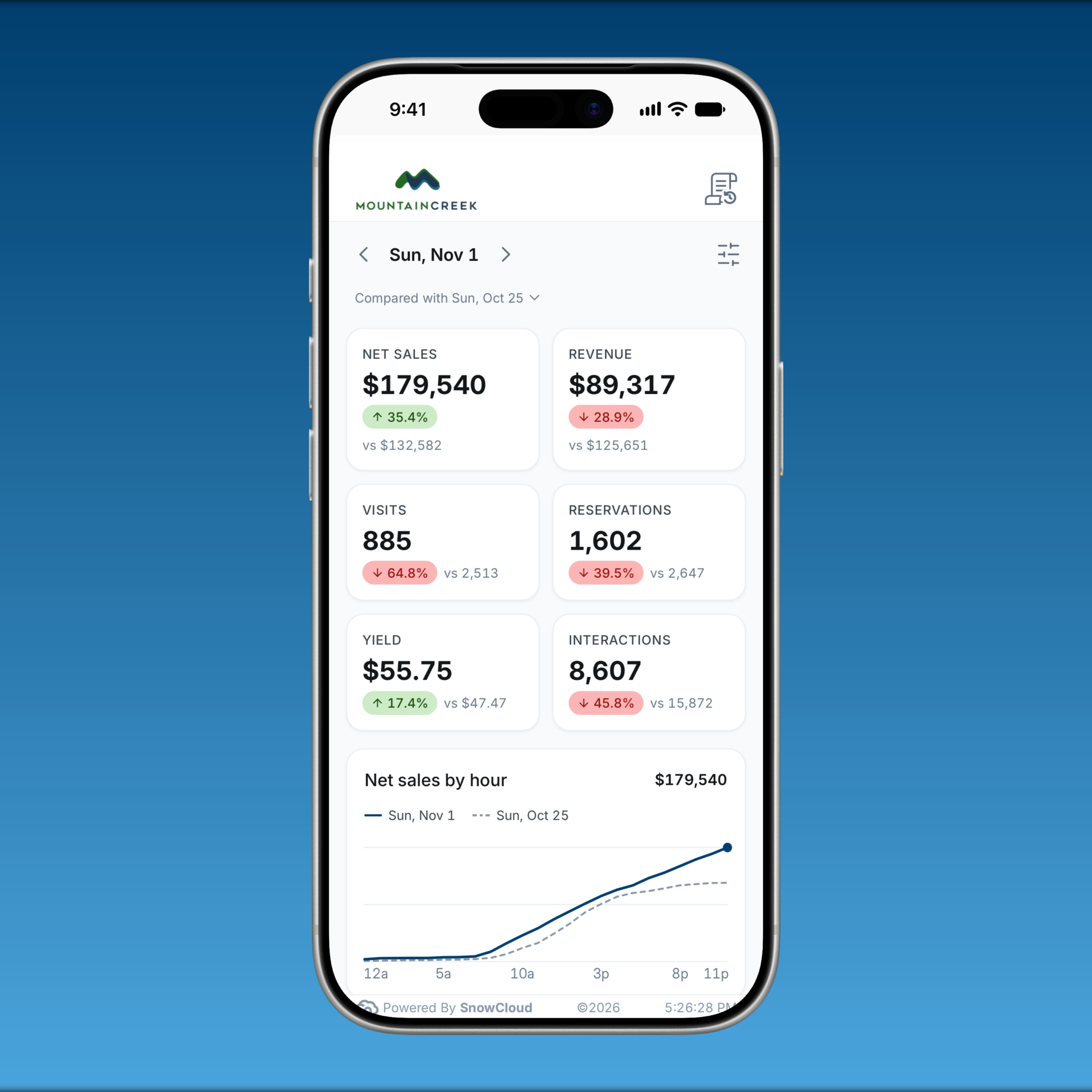
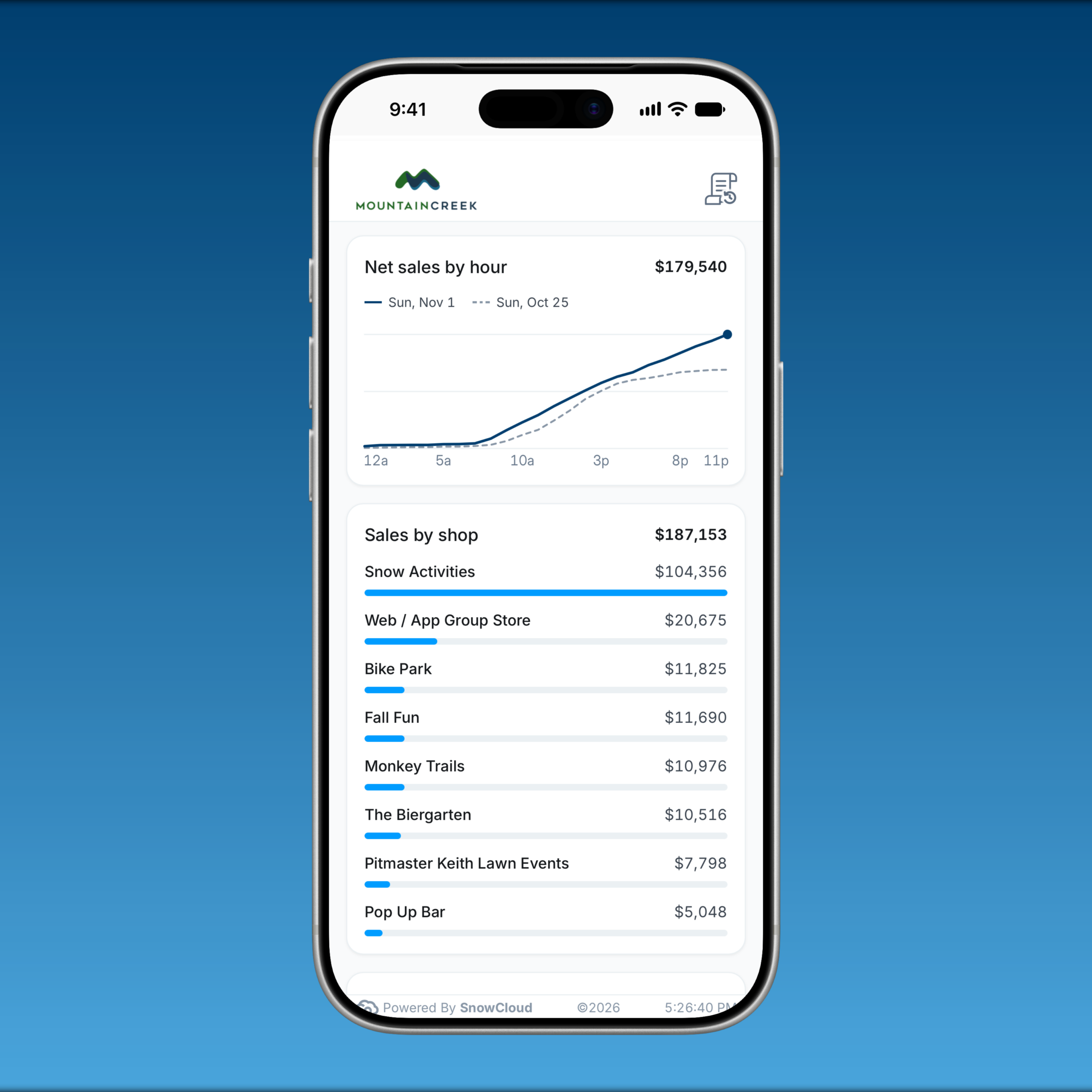
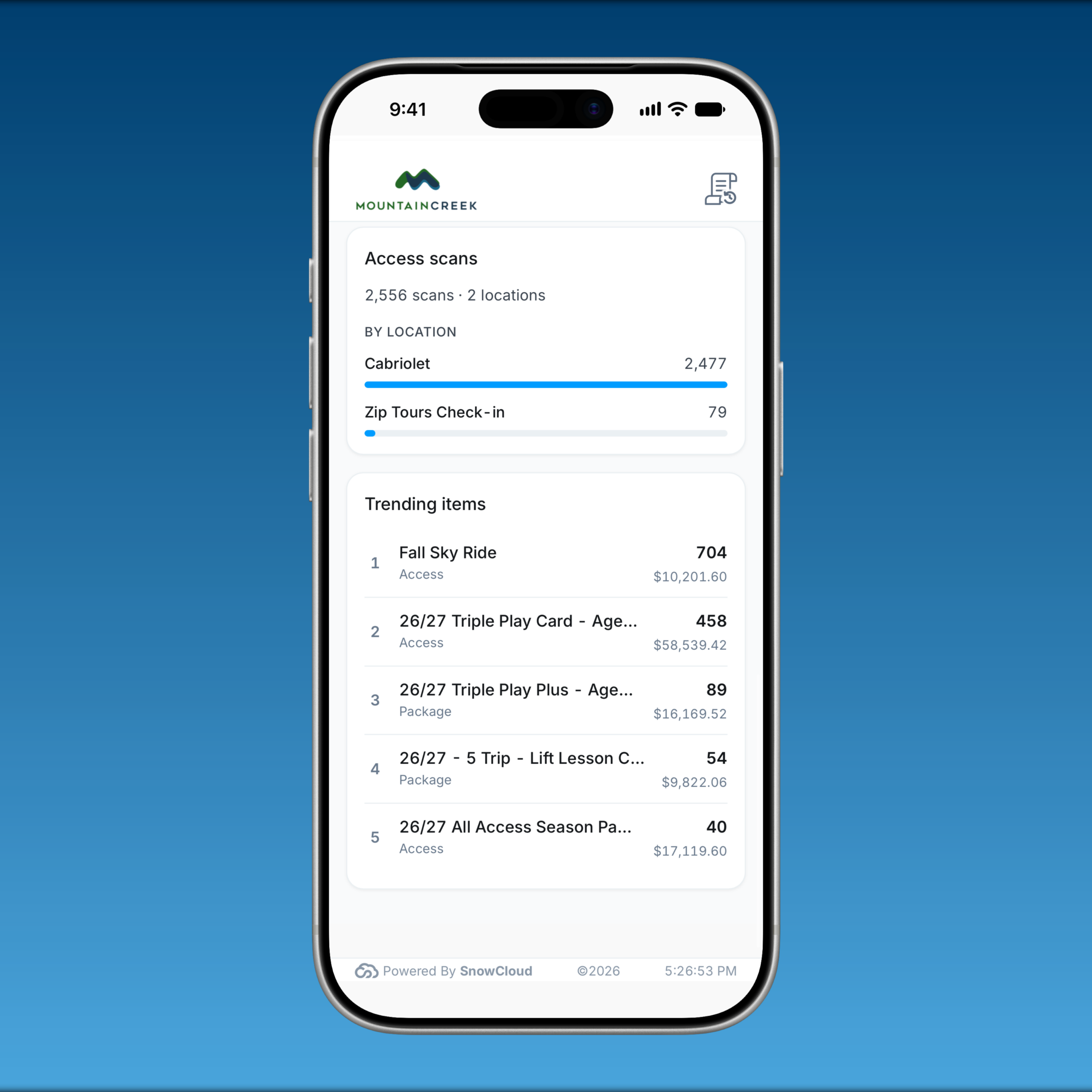
- Dashboard v2.0: A redesigned dashboard brings operational tiles and detailed views into the Portal and Operator App, alongside refreshed mountain report, weather, and trails pages. Administrators can control access to tiles and sections under Security > Dashboard access.
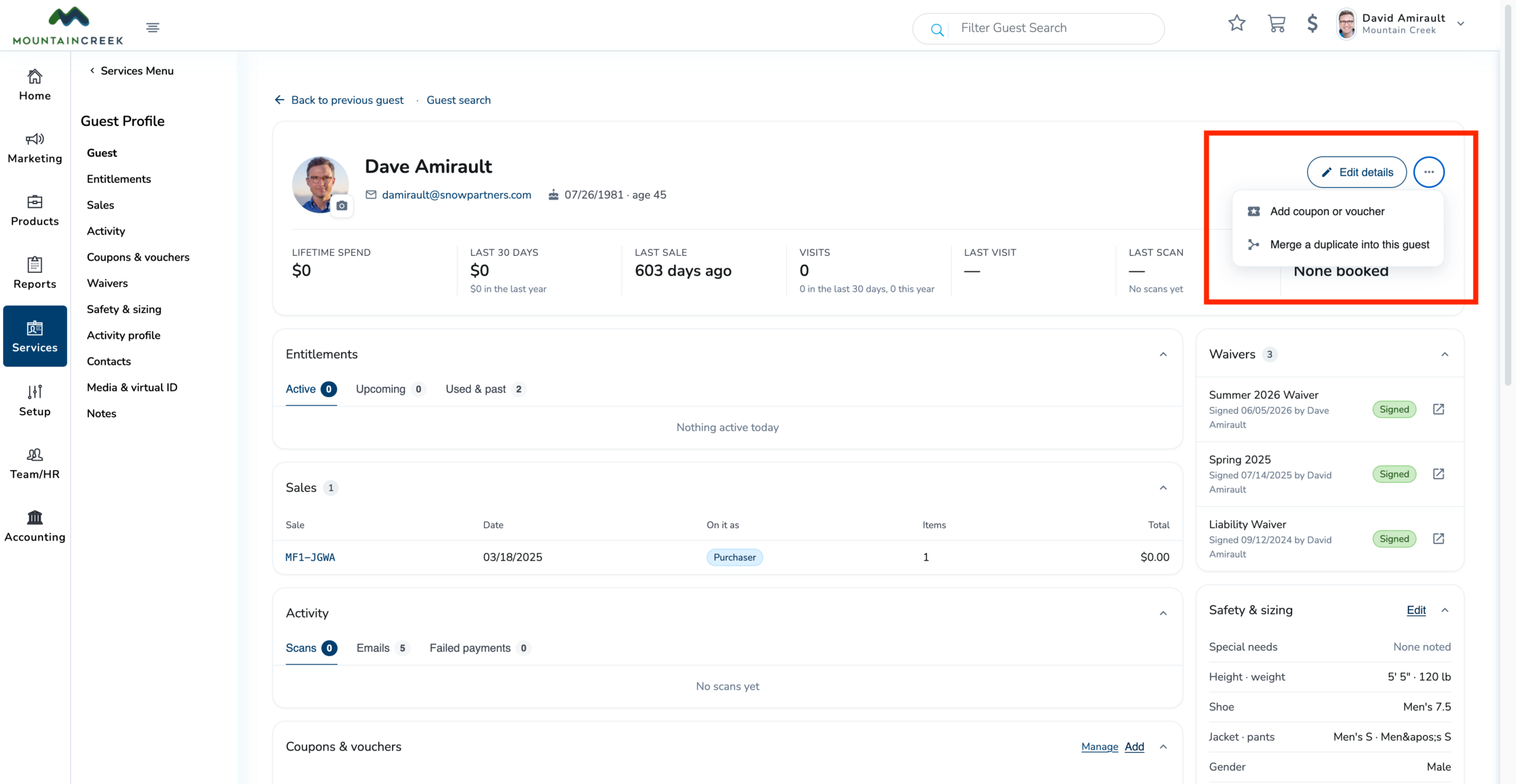
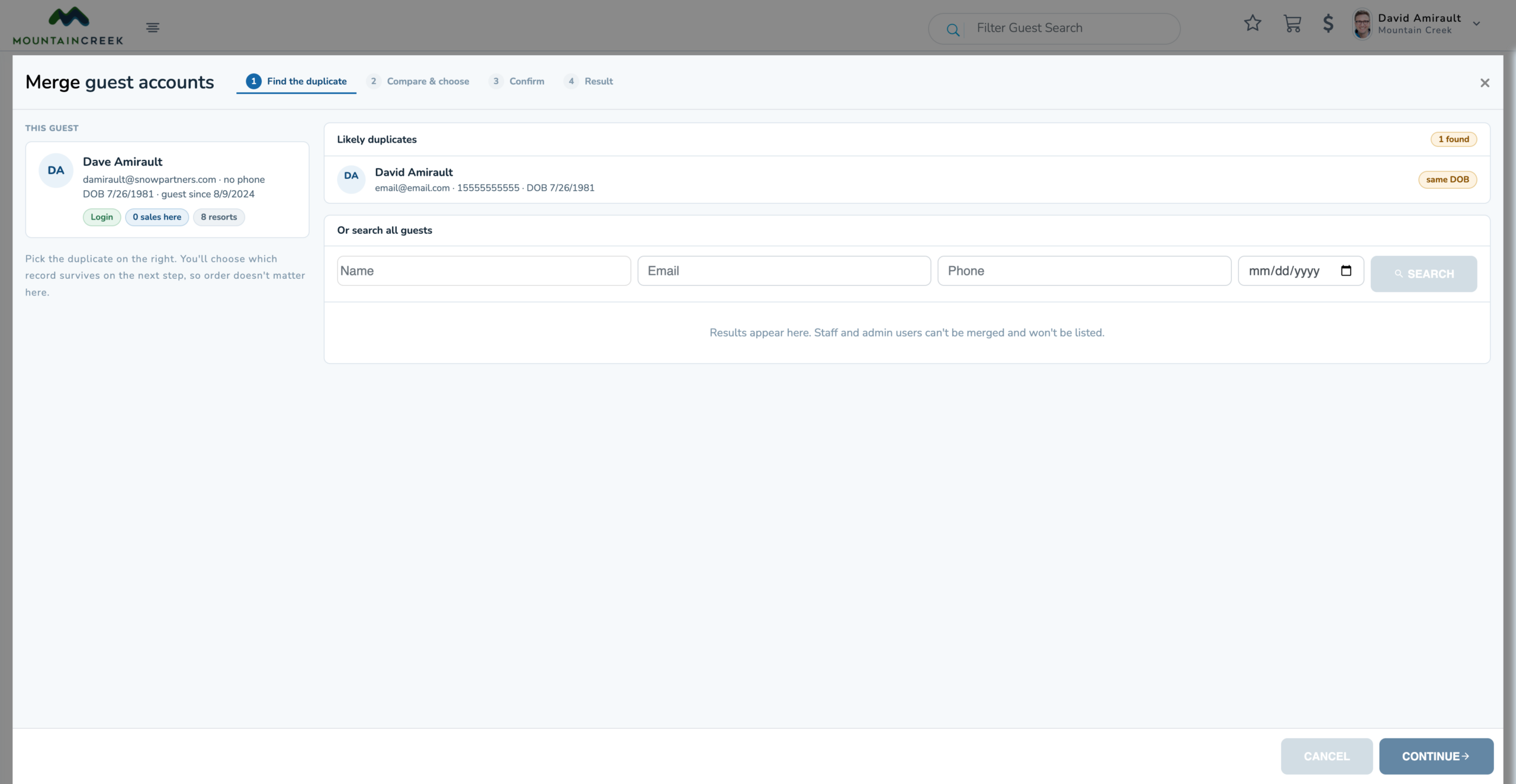
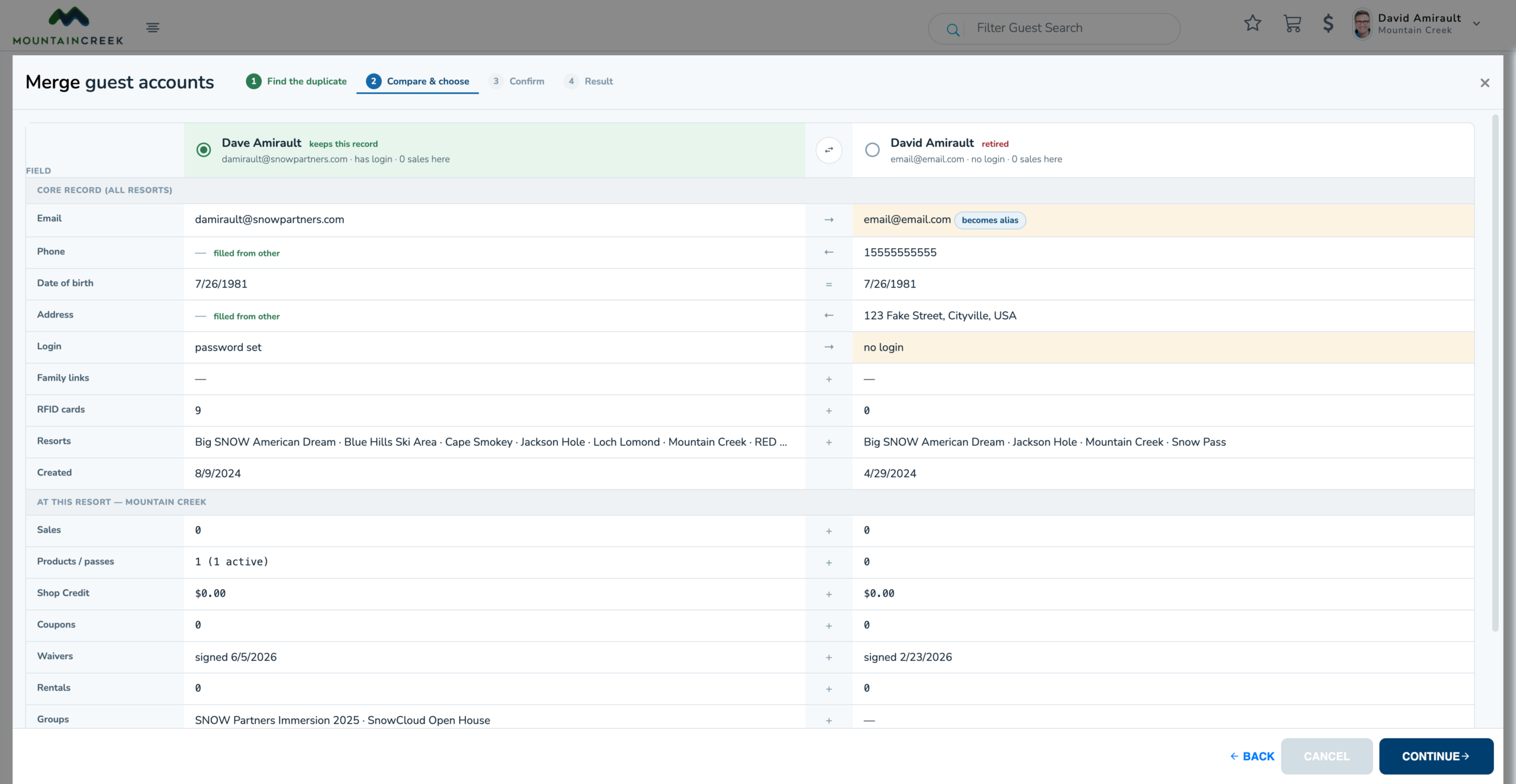
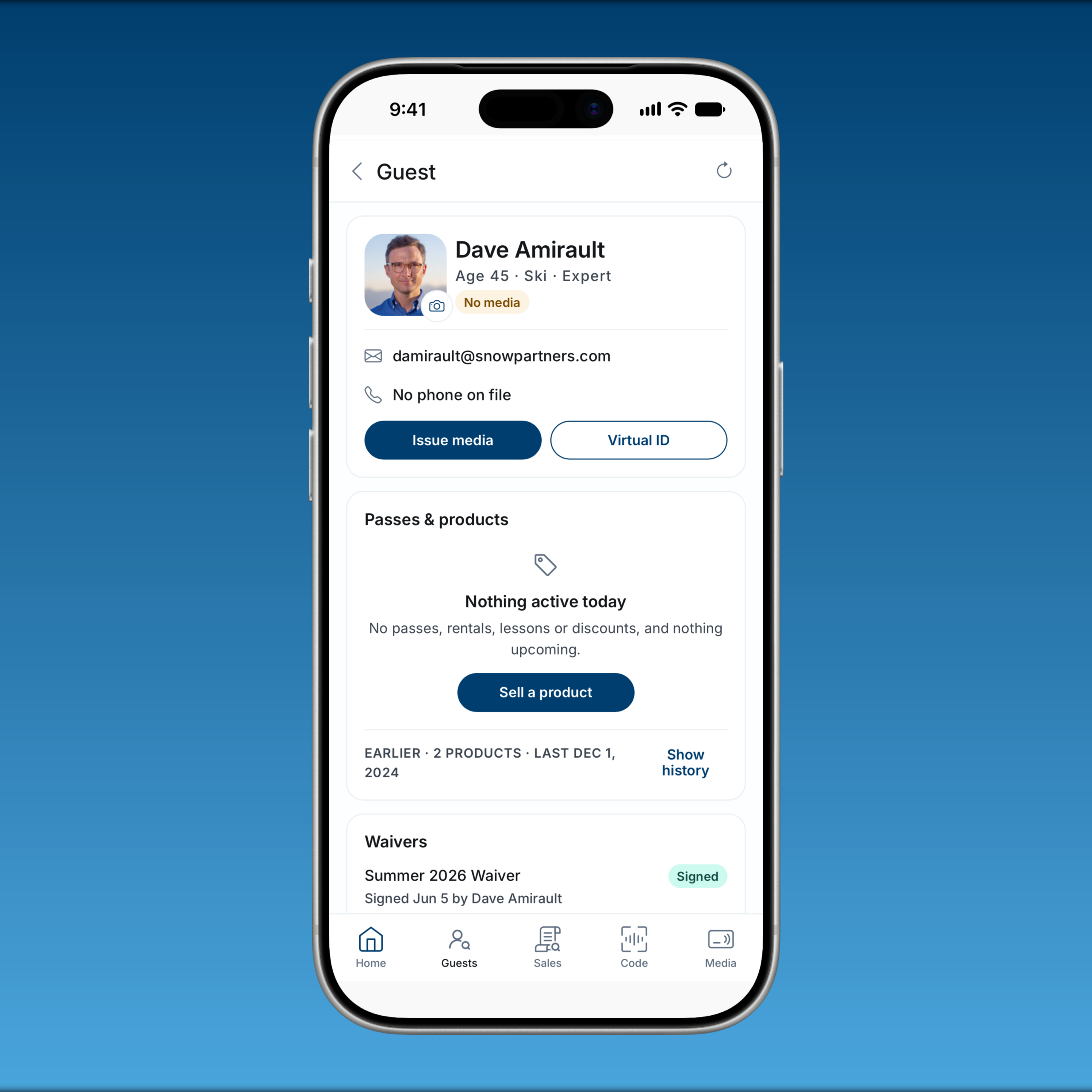
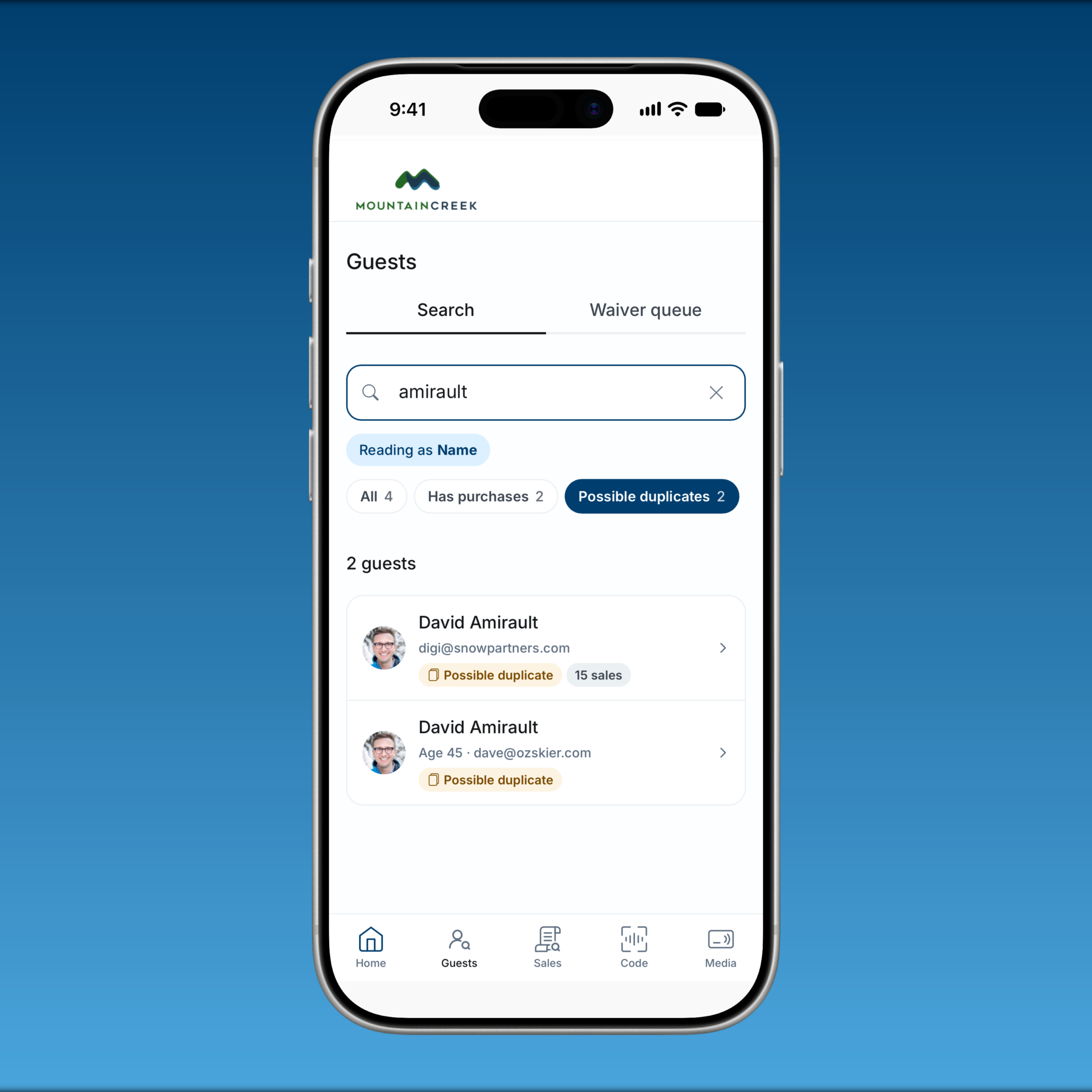
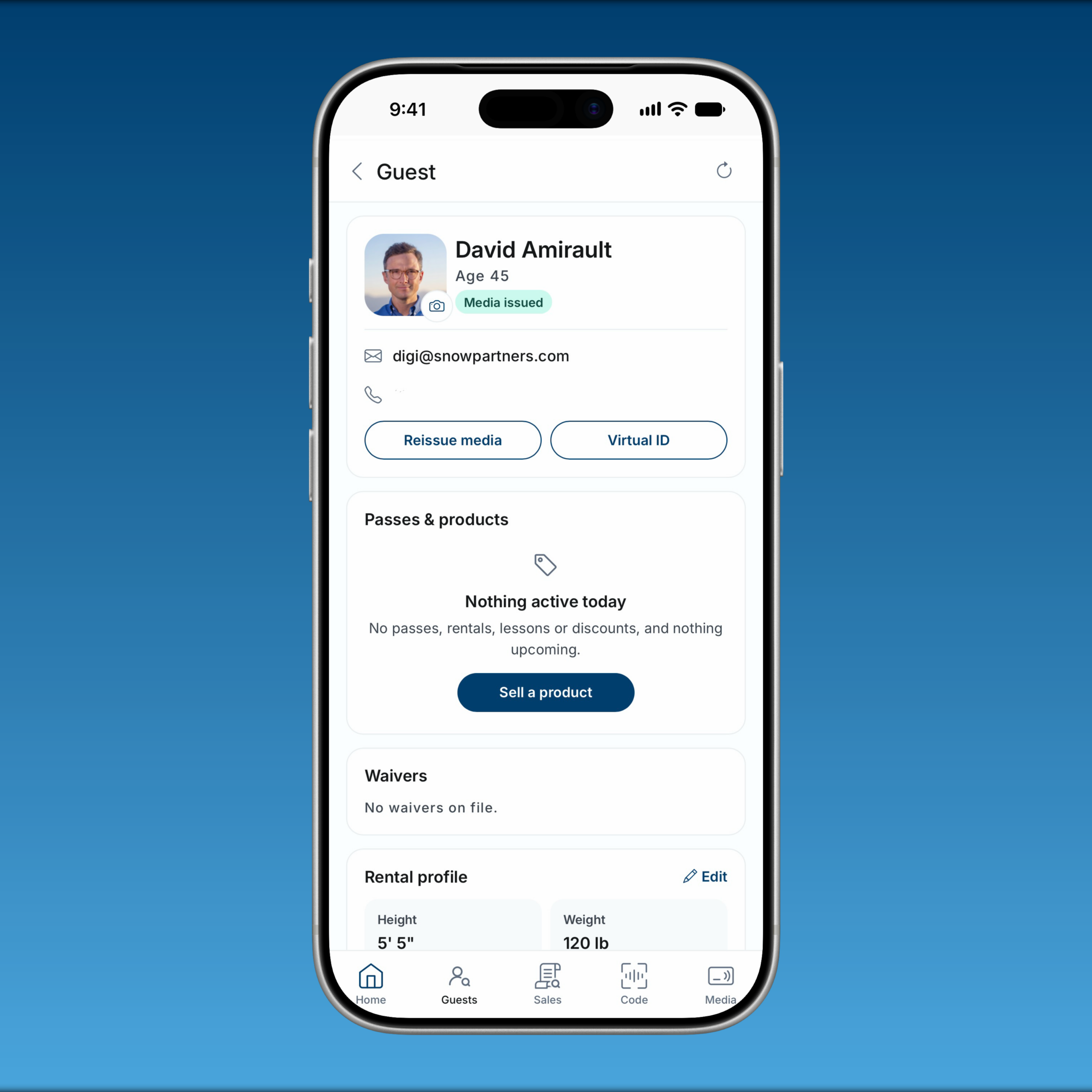
- Guest Account Merge: Authorized staff can combine duplicate records for the same guest into a retained account. The workflow provides a comparison and confirmation step before merging and keeps a history of completed merges.
Improvements
- Navigation & Mobile Layouts: The dashboard adapts to desktop, tablet, and phone screens. Guest and sales pages include back links, and the updated account menu provides access to profiles, help, and support.
- Guest Page Performance: Guest pages load profile details, purchases, scans, waivers, and related information more efficiently.
- Team Onboarding: Onboarding follows Team Classification access settings. Team members without Portal access can complete the applicable invitation flow without the Portal cell-phone requirement, and administrators can customize the completion message.
SnowCloud Operator App & POS
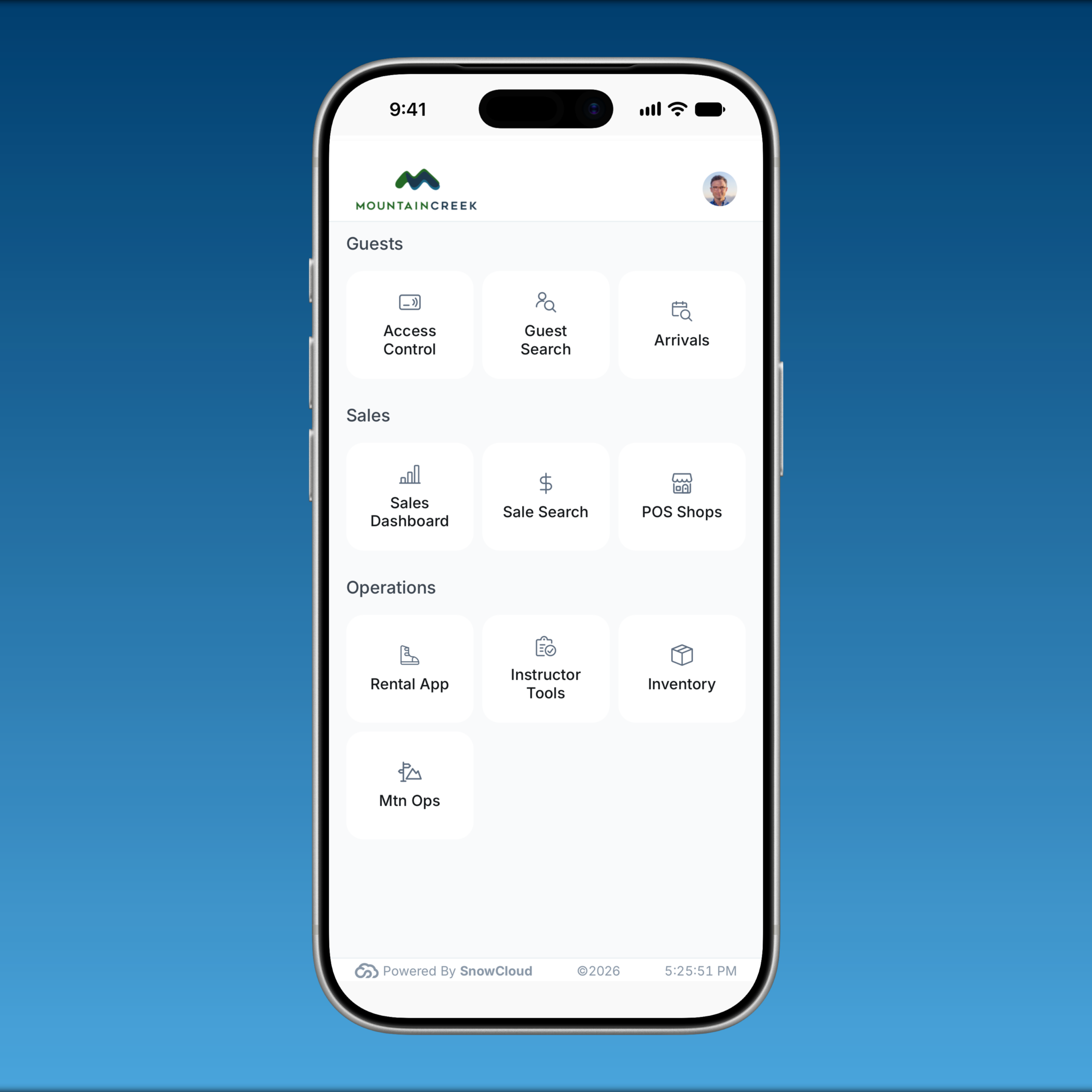
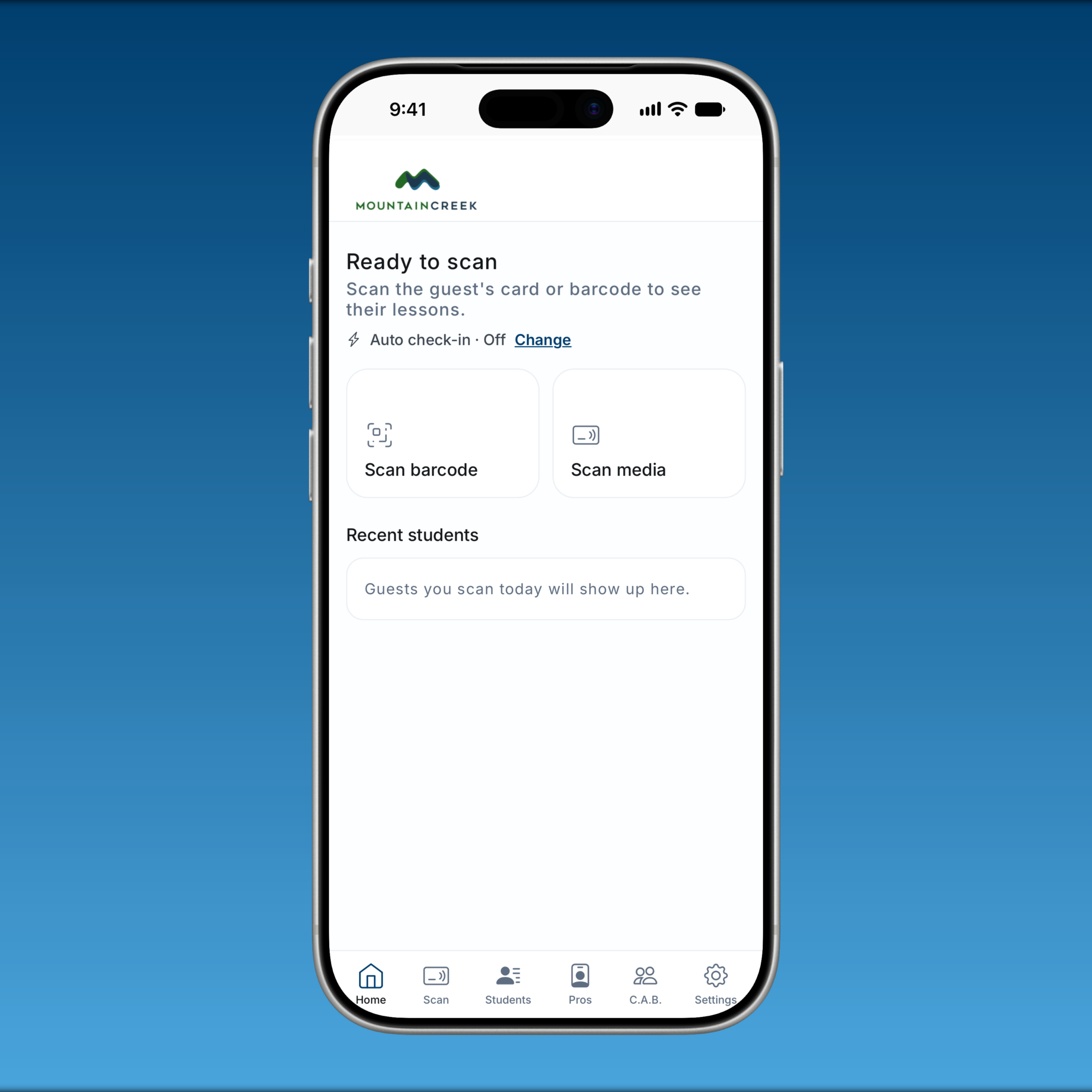
The Operator App has an updated selling and checkout experience across retail, food and beverage, and now includes activity shops. An updated product selection, guest assignment, and payment follow a more consistent layout throughout the sales process.
Improvements
- Selling Screen & Cart: Product cards for food and beverage items. Staff can review quantities, modifiers, and notes on individual cart lines, with modifier pricing included in each item’s subtotal.
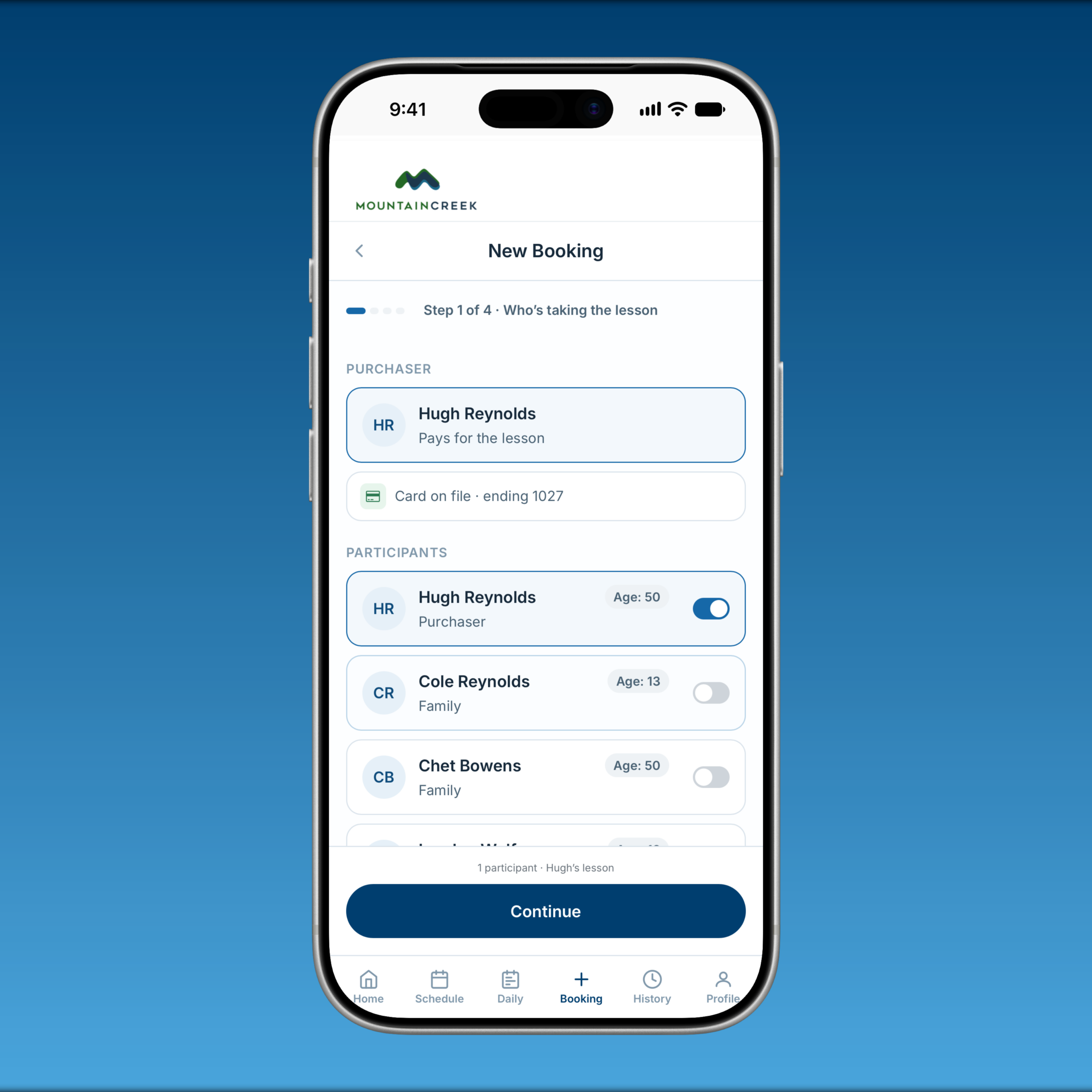
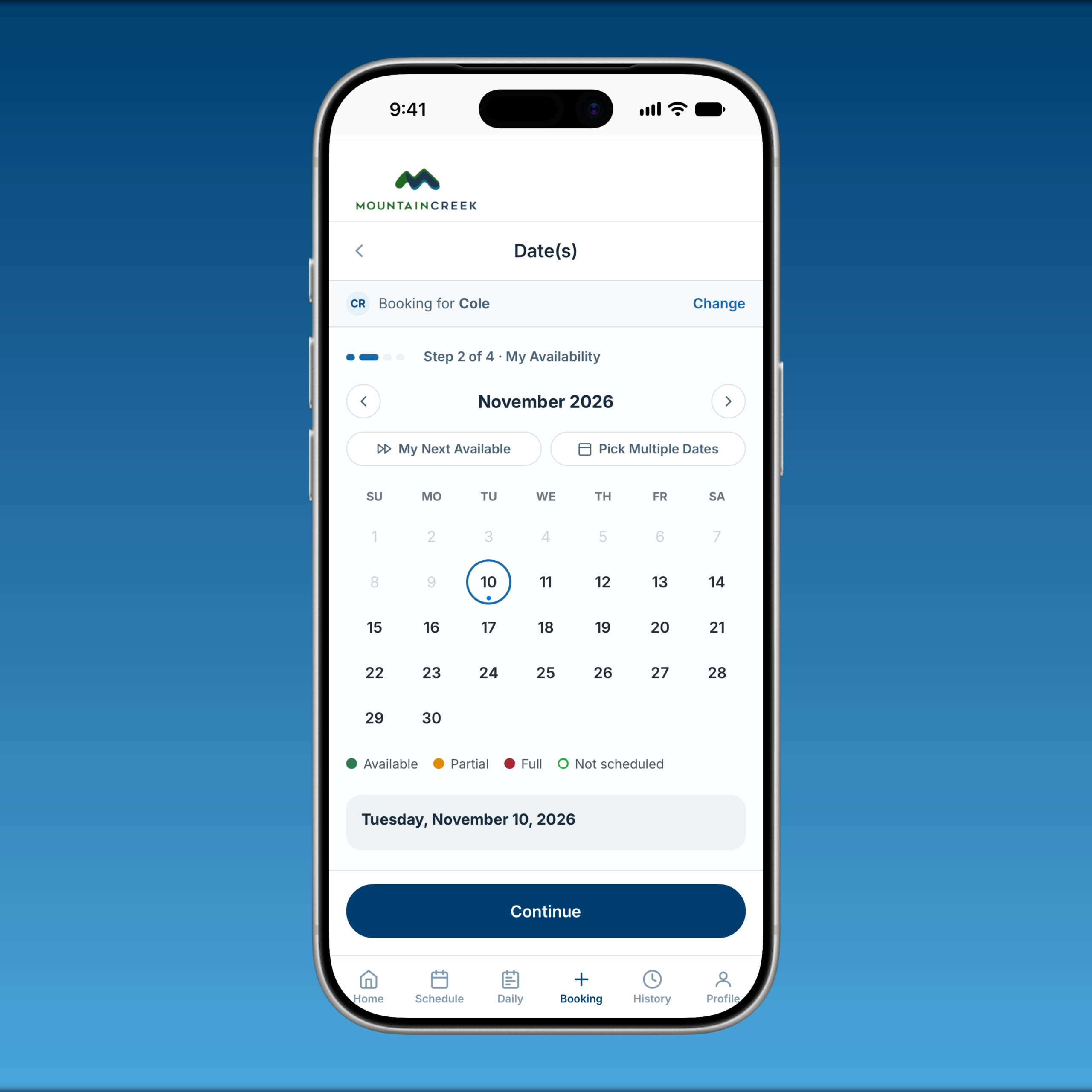
- Concierge Activity Sales in APP: The refreshed activity-shop workflow brings tickets, lessons, and rentals into POS with participant selection during the sale. Staff can review required guest information and waivers before completing the order.
- Checkout & Payments: POS checkout now has separate staff and guest screens. Staff can apply coupons and gift cards, use authorized house accounts, and select from the shop’s available payment methods. The checkout flow also includes cash tender and change, payment confirmation, and email receipts.
- Tap on Phone: A simplified guest-facing payment screen lets staff hand the phone to the guest to review the order, add a tip where enabled, and follow clear prompts to tap their card and complete payment.
- Tabs & Table Service: Refreshed tab and table controls organize seats, courses, and check changes. Staff can transfer, split, or merge supported checks and switch shops while retaining each shop’s open tabs.
- Guest & Sales Lookup: Updated search and guest controls help staff locate guests, products, and previous sales, create a guest record, or add a dependent while working in POS.
- Merchandise Returns & Exchanges: Expanded Operator App workflows let authorized staff work from the original sale, select eligible merchandise and quantities, and process a refund or exchange with any price difference handled during payment.
Rentals
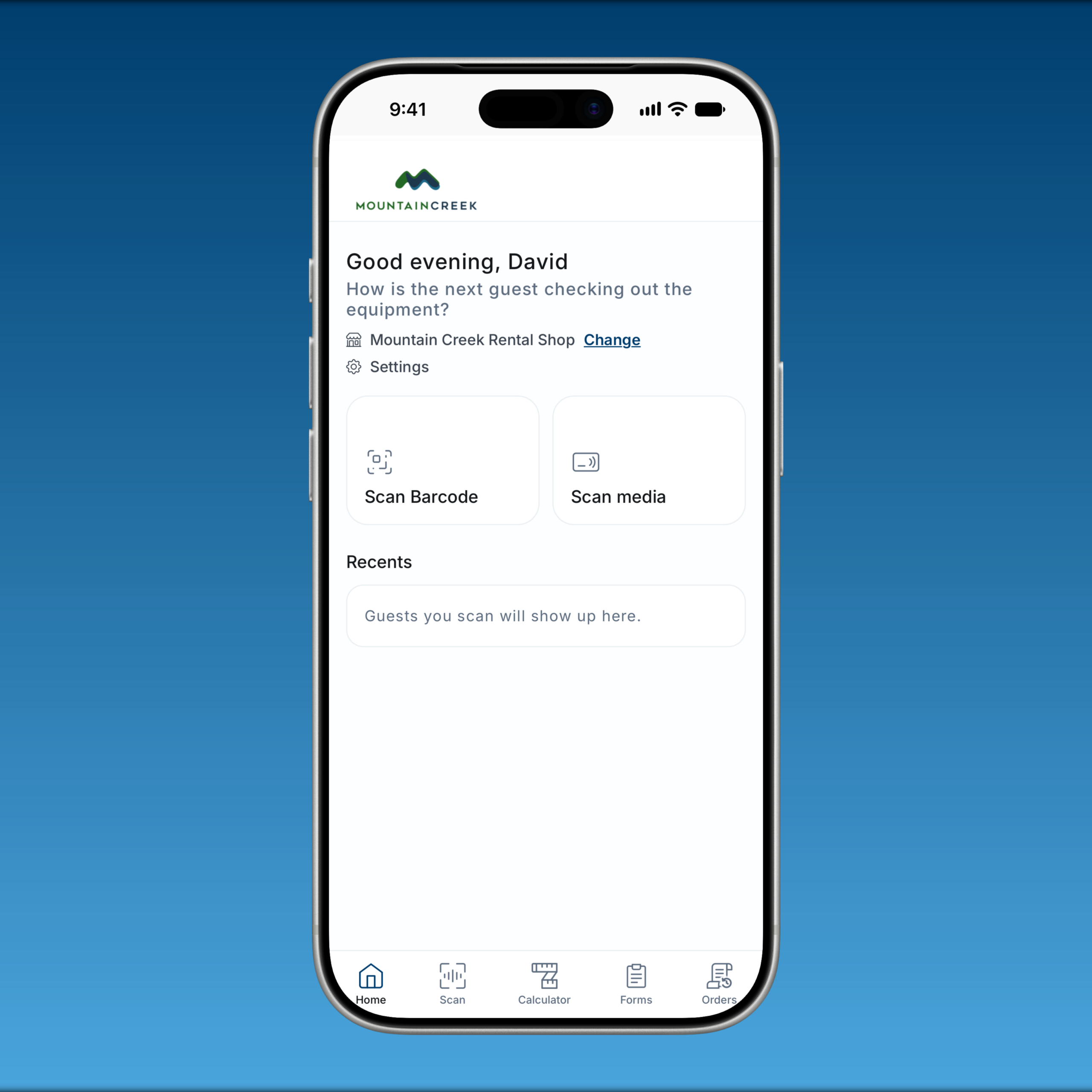
Rental fulfillment has been updated to keep guest information, equipment issue, product changes, and payment connected at the counter. Updated workflows also make it easier for technicians to pick up where the previous station and staff left off.
New Features
- Rental Shop Selection: Teams can select the rental location before starting fulfillment, with recent locations available on each device. Locations are managed under Setup > Rental Shops.
- Product Changes & Add-ons: Staff can review reserved rentals, change a product, and sell eligible extras during fulfillment, with additional payment handled through POS. ‘Book a rental’ also starts a sale for a guest who has no rental for today.
- Configured Upgrade Paths: Administrators can define eligible replacement and upgrade products. Staff can change an eligible rental product and settle the price difference through the upgrade workflow.
- Rental Extensions: Staff can extend eligible rentals, add days, and process applicable extension or late-return charges.
Improvements
- Refreshed Fitting Calculator: The rental calculator uses saved guest information or manually entered values for ski and snowboard fitting recommendations. Staff can adjust the inputs for a fitting without changing the guest’s saved profile.
- Waiver Handoff: Pending rental waivers display a QR code guests can scan to sign on their own phone. Staff can reopen the guest after signing to refresh the waiver status and continue fulfillment.
- Equipment Issue & Technician Handoffs: A guest whose only entitlement for today is one single-day rental item opens directly into the issue screen. For packages, the next technician can scan the same guest to continue with the next unissued item while seeing equipment already issued.
- Return Status: Rental packages display Pending, Issued, and Returned states. A package is marked Returned once every equipment item has been checked in, making outstanding returns easier to identify.
SnowCloud Shop
Shop updates focus on clearer group assignments, more relevant checkout questions, and reliable handling of participant details and cart changes.
Improvements
- Group Administration: An updated guest selector and a total count of purchased products give group administrators a clearer view of their group’s purchases and assignments.
- Transfer Cart Guidance: Zero-dollar transfer carts identify missing assignments or required guest details so guests can see what needs attention before completing the transfer.
- Checkout Questions: Lesson and rental flows request the information relevant to the products being purchased. The affected lesson checkout no longer requests an unrelated skier-type selection.
- Cart & Guest Loading: Participant changes save directly to the cart, guest information loads more efficiently, and updated guidance helps shoppers recover when held inventory is no longer available.
- Cart Calculations: Improved cart recalculation performance when pricing products and applying coupons.
Reliability & Quality Improvements
- Participant Assignments: Products assigned to a non-family minor stay connected to that child’s guest record.
- Required Guest Details: Guardians can enter the required date of birth for each claimed minor. School-program checkout also recognizes a correctly selected grade without displaying an unnecessary validation error.
- Quantity-Based Pricing: Corrected a calendar-pricing issue when the same dated product is added to the cart in multiple steps.
Retail & Accounting
Improvements
- Purchase Order Receiving: MSRP changes remain saved after an order is reopened. Separate ordered and received totals help staff reconcile invoices before receiving stock and review partial shipments.
- OTA Reconciliation: Accounts-receivable and commission details for online travel agency sales provide more information for reconciliation.
Access & Platform Improvements
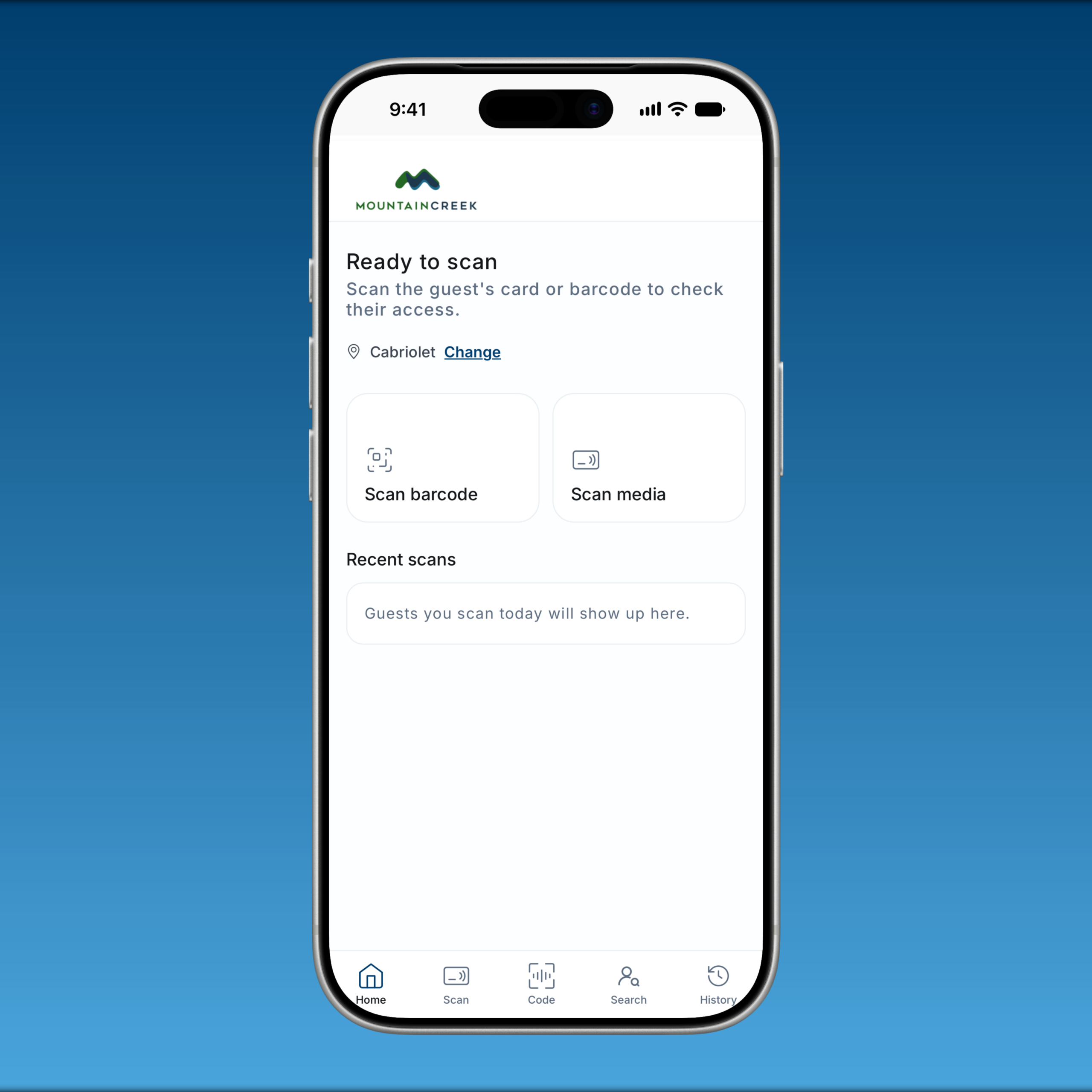
- IKON Validation: Updated RFID and barcode validation, including gate-prefix handling, improves pass validation at configured locations.
- Live Scan Tracking: Supported scanning workflows feed live scan events and per-item usage counts into operational views.
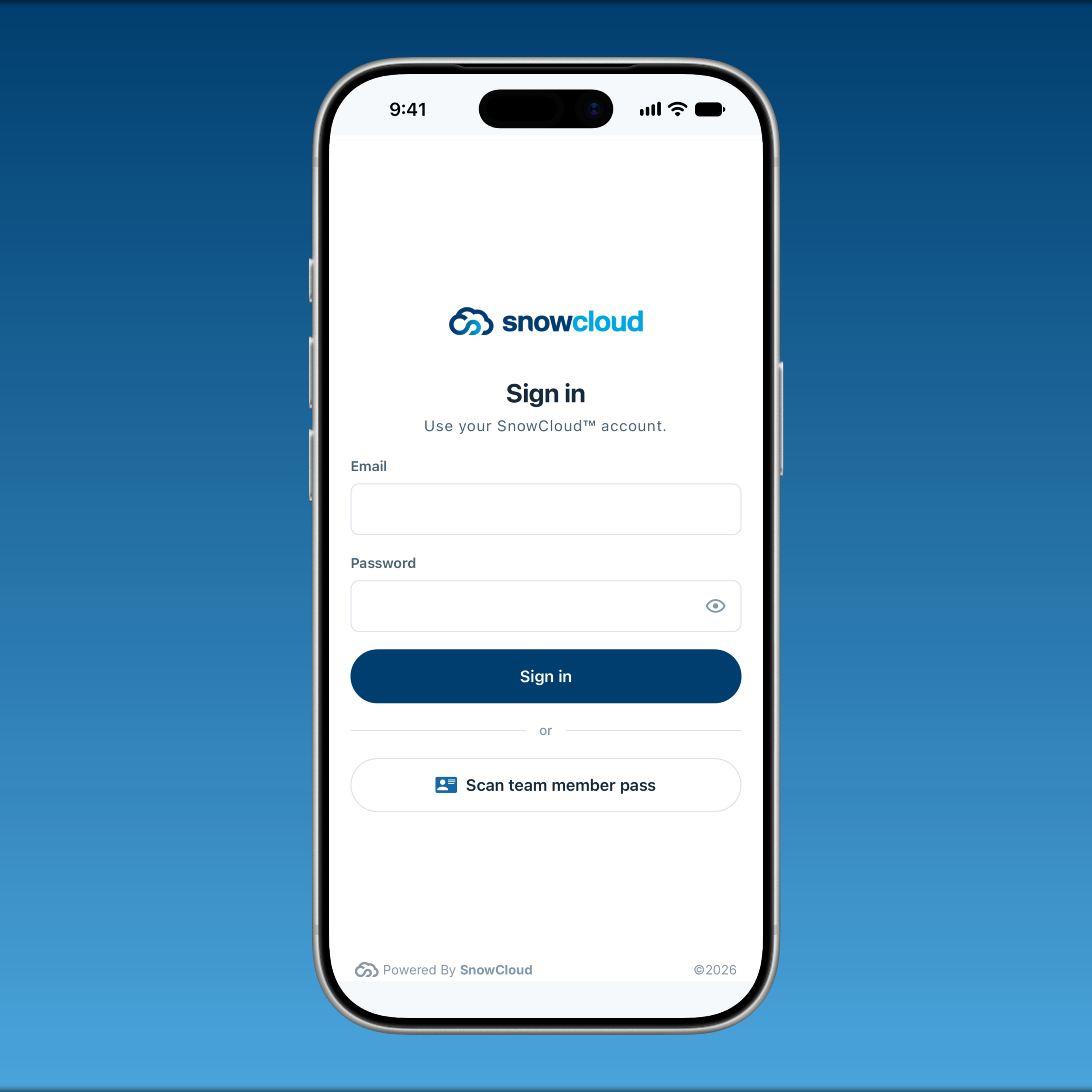
- Sign-In & Account Switching: Behind-the-scenes security improvements strengthen sign-in and authorized account switching.
Mountain Sports School
For resorts using Mountain Sports School, this release expands lesson planning, instructor field tools, and payroll review. School teams can review staffing and demand, manage private lessons, and record participant progress through the school workflow.
Scheduling & Payroll
- Scheduling Workspace: School teams can review instructors, registered guests, and remaining product inventory across selected dates. Base-area filtering focuses the view on the relevant operating location.
- Private Lessons: Expanded concierge booking captures guest goals, ability, participants, instructor requests, and notes for future and multi-day lessons. Scheduling teams can assign instructors and track the booking’s assignment status.
- Availability & Attendance: Date-zone controls support different availability rules for peak and holiday periods, while sick-call events help school teams record staffing changes.
- Pay Calculation & Export: Authorized staff can calculate earnings for lessons, training, and paid activities, review the earning components, and export payroll information. Historical records support review of prior calculations and exports.
Instructor Tools
- Participant Profiles & Report Cards: Instructors can open participant profiles and lesson details in the Operator App, complete individual report cards, and record verified skill levels using the school’s configured levels.
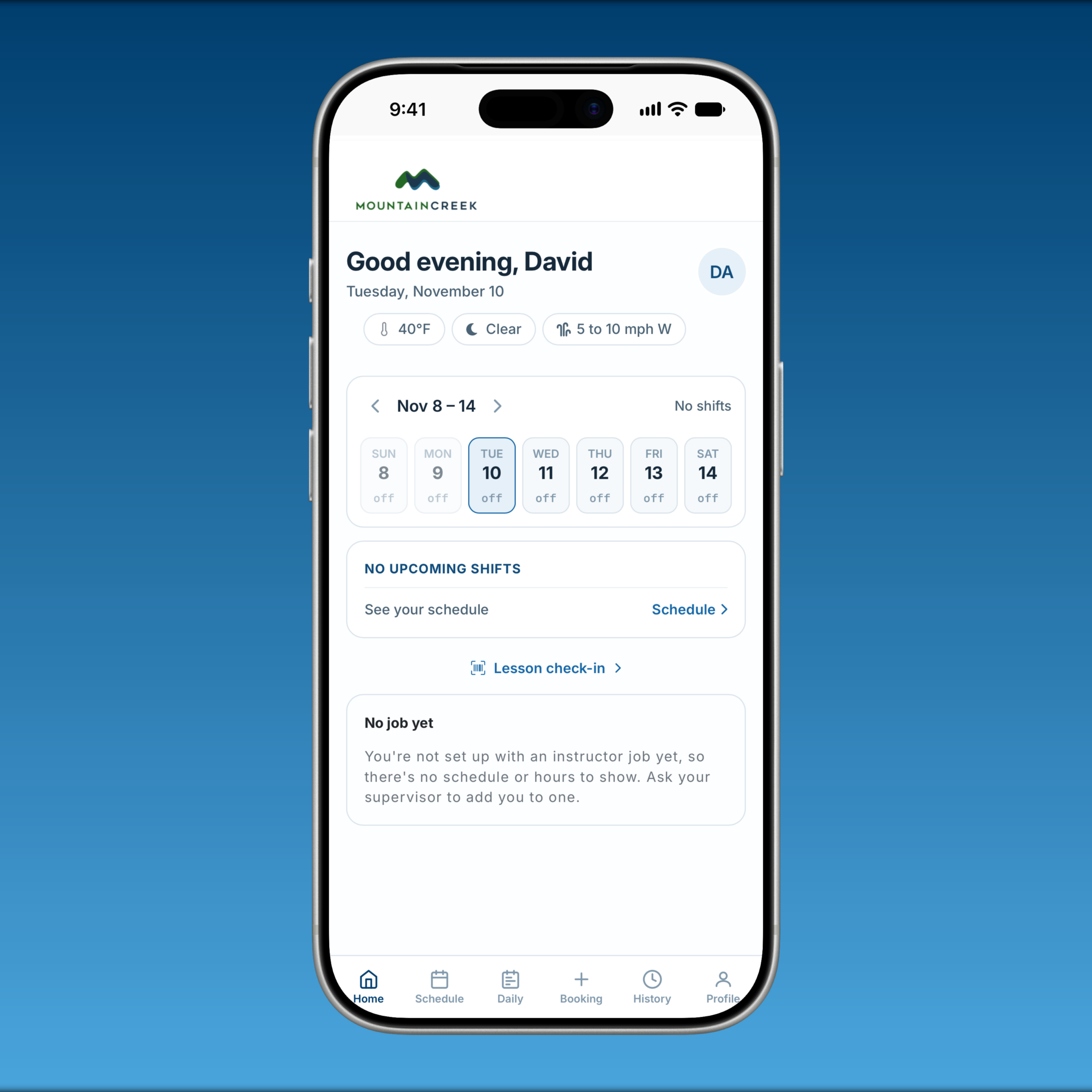
- Lesson Check-In: Staff can review the day’s lessons, confirm groups, and add participants. Instructor lookups, schedules, and shift information provide context while working in the field.
- Work Hours & Pay Detail: Authorized users can review instructor work-hour statistics and detailed earning breakdowns to support season review and payroll checks.
