AI Document Summary
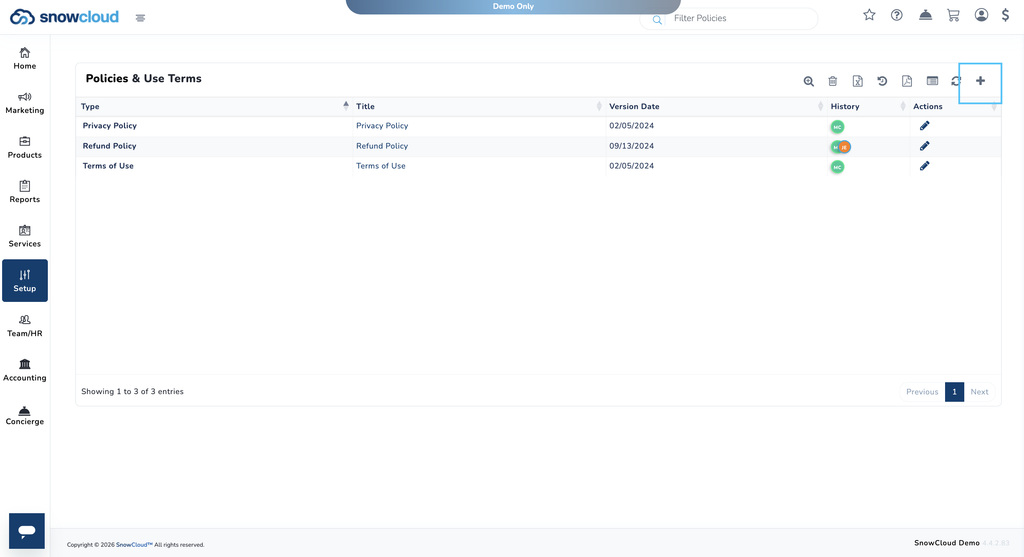
This document covers the back-end portal workflow for creating and managing policies in SnowCloud. Policies are displayed to guests at the bottom-right corner of the eStore.
NAVIGATING TO POLICIES #
To navigate to Policies:
- From the left-side menu, select Setup
- Under Risk Management, select Policies
CREATING A NEW POLICY #
To create a new policy:
- From the Policies page, press the plus (+) button in the top-right corner
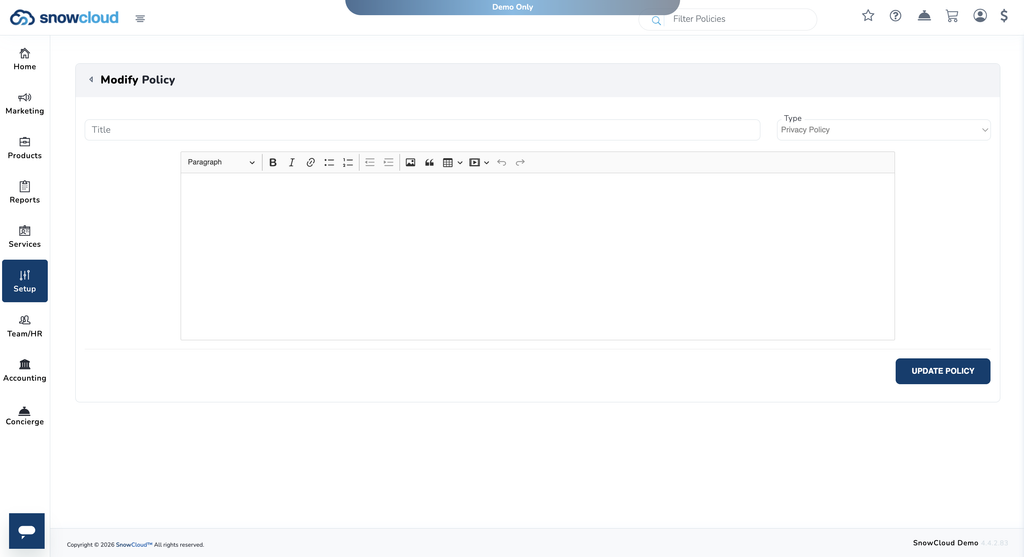
- Enter a Title for the policy
- Select a Tag — options include:
- Privacy Policy
- Terms of Use
- Refund Policy
- In the text box provided, enter your policy content — you can type, paste, or edit directly in this field
- Select Update Policy to save